
Deck Permit Drawings in KWC: Who Can Draw Them (and What to Include)
For Kitchener–Waterloo–Cambridge deck permits: who can prepare drawings, what pages you need, and how to avoid resubmits.
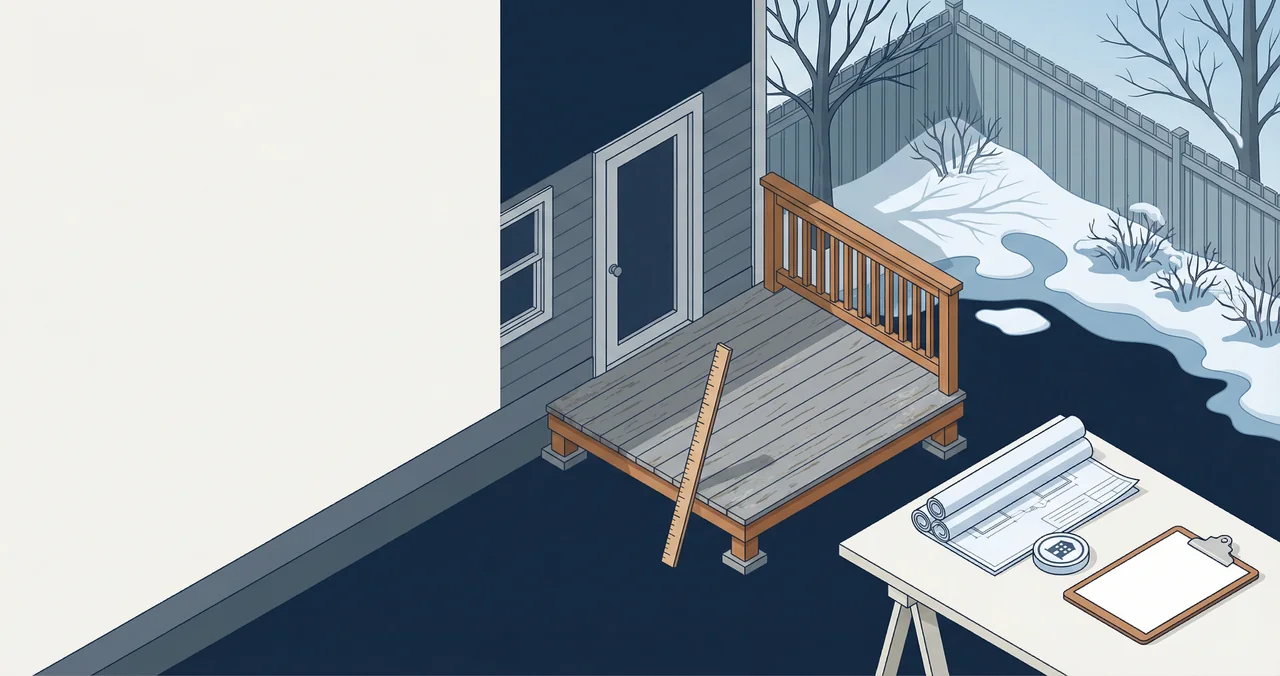
If you're applying for a deck permit in Kitchener–Waterloo–Cambridge (KWC), the fastest way to lose weeks is to submit drawings that are “almost right.”
The most common homeowner question is simple:
> Who is allowed to draw deck permit drawings in KWC?
This guide explains your realistic options (DIY vs designer vs contractor vs engineer), what your drawing set needs to include, and how to avoid the typical resubmit loop.
For a high-level permit overview, start with: Deck permits in Ontario: complete guide.
KWC context: why drawings get kicked back
In Kitchener, Waterloo, and Cambridge, resubmits usually happen because the drawing set is incomplete, not because it’s “wrong.” Building departments need enough information to check zoning, structural safety, and how the deck connects to the house. If any part is missing, your file can stall.
🏗️ Planning a deck project?
Get a free manual project review, or visualize your dream deck with AI before requesting quotes.
Common local friction points:
- property line setbacks not shown clearly
- ledger connection details missing
- stair details unclear (rise/run/landing)
- footing depth assumptions not stated
The fix is straightforward: submit a complete, readable package the first time.
First: Kitchener vs Waterloo vs Cambridge are similar, but not identical
Each city has its own building department workflow and application portal process.
If you want city-specific guides:
- Kitchener deck permit application (2026)
- Waterloo deck permit application (2026)
- Cambridge deck permit application (2026)
Who can draw deck permit drawings in KWC?
In practice, you’ll see one of these paths.
Option 1: You draw them yourself (DIY)
Yes, many homeowners submit their own drawings.
When DIY drawings work best:
- simple, rectangular deck
- low height
- straightforward stairs
- standard footing type
What you must do if you DIY:
- be neat and consistent
- include dimensions clearly
- label materials and connection details
If you’re also building the deck yourself, read: Can I build my own deck in Ontario?.
Option 2: A contractor provides drawings
Some deck builders will include drawings in the quote.
Pros:
- the person building it is defining the scope
- fewer “interpretation gaps”
Cons:
- drawings may be generic unless you insist on details
Use this to keep them honest: Deck builder contract checklist (KWC).
Option 3: A draftsperson / designer prepares the permit package
This is common when you want something cleaner than DIY, but you don’t need structural engineering.
Pros:
- faster than engineering for many simple decks
- nicer drawings, fewer omissions
Cons:
- if the city requires engineering, you may still need it later
Option 4: A structural engineer provides stamped drawings
This is required (or strongly recommended) for certain projects.
Common triggers:
- hot tub / heavy loads
- helical piles with specific requirements
- tall decks / complex geometry
Related:
Who should draw your deck drawings? (comparison table)
| Option | Best for | Pros | Watch‑outs |
| --- | --- | --- | --- |
| DIY homeowner | Simple, low‑risk decks | Lowest cost, full control | Easy to miss details |
| Contractor | Standard builds | Aligned with build scope | Must confirm details |
| Draftsperson/designer | Clean, permit‑ready package | Professional layout | May still need engineering |
| Engineer | Complex, high‑risk structures | Strongest approval confidence | Higher cost, longer lead |
What pages should be in your KWC deck drawing set?
Think in three layers:
1) Site plan (where the deck sits)
- property lines
- setbacks
- dimensions from deck to boundaries
2) Framing plan (how it is built)
- joist direction
- joist spacing
- beams, posts
- footing locations
3) Elevations / sections (how tall and how it connects)
- height above grade
- ledger attachment (if attached)
- stair details
A great checklist to follow: Deck permit drawings checklist (KWC).
Drawing set checklist (copy/paste)
Use this as a quick quality gate before you submit:
- Site plan with property lines, setbacks, and deck footprint.
- Framing plan with joist direction, spacing, beams, posts, and footings.
- Elevation or section with deck height, ledger connection, and stair details.
- Notes for materials and connection hardware.
- Any engineering letters if required.
The details that most often cause resubmits
These are the “small” omissions that trigger big delays:
- missing deck height above grade
- unclear stair configuration (number of risers, landing)
- no note on footing depth / frost protection
- no ledger flashing/water management notes for attached decks
- setbacks not dimensioned from property lines
Helpful references:
- How deep should deck footings be in Ontario?
- Deck ledger flashing (Ontario)
- Deck stairs building code (Ontario)
DIY drawing tips (simple but effective)
If you’re drawing it yourself, keep it clean:
- Use consistent scale across all pages.
- Label all dimensions clearly.
- Show the direction of joists and where beams land.
- If attached, show ledger details and flashing notes.
- If stairs are included, label riser count and landing size.
Resubmit prevention checklist (final pass)
Before you upload, verify:
- All pages are labeled and date‑stamped.
- Dimensions are legible at the submitted scale.
- Setbacks are dimensioned from property lines.
- Connection details (ledger, post bases) are shown or noted.
- Stair details include rise/run and landing location.
“Do I need a survey?”
Sometimes, yes — especially if your deck is close to a boundary.
If you're near the line, do this first: Deck zoning + setbacks in KWC.
Script: ask the city what’s missing (if you get a resubmit)
“Hi — thanks for the review. Can you confirm the exact items missing from my deck permit drawing set? I want to make sure I include the required site plan, framing plan, elevations, and any specific details your team needs for approval.”
How to keep your permit process fast in KWC
1) Start with a realistic timeline
2) Confirm whether you need engineering early
3) Submit a complete package (not just “something”)
- Use the checklist above.
🎨 Not sure which material to pick?
Upload a photo of your backyard and see exactly how Trex, TimberTech, or cedar would look — free and instant.
Want help scoping your deck and permit package?
If you're in Kitchener, Waterloo, or Cambridge and want a quick sanity-check on your deck plan + what drawings you'll likely need, submit the basics here: Get quotes.
Upload a backyard photo and preview real decking materials with AI — free, instant, no sign-up.
Permits, costs, material comparisons, and questions to ask before requesting quotes — delivered to your inbox.